Valery


Posts: 2196
|
Compiled:
Phantom patch
Fcst1 previous additions (not the last yet, my finger is broken :kap 
My roman-style patch
My chinese-style patch
Alone:
Grayface 3.3 editor patch (removed old ZEOBJTS.txt). To install in the end.

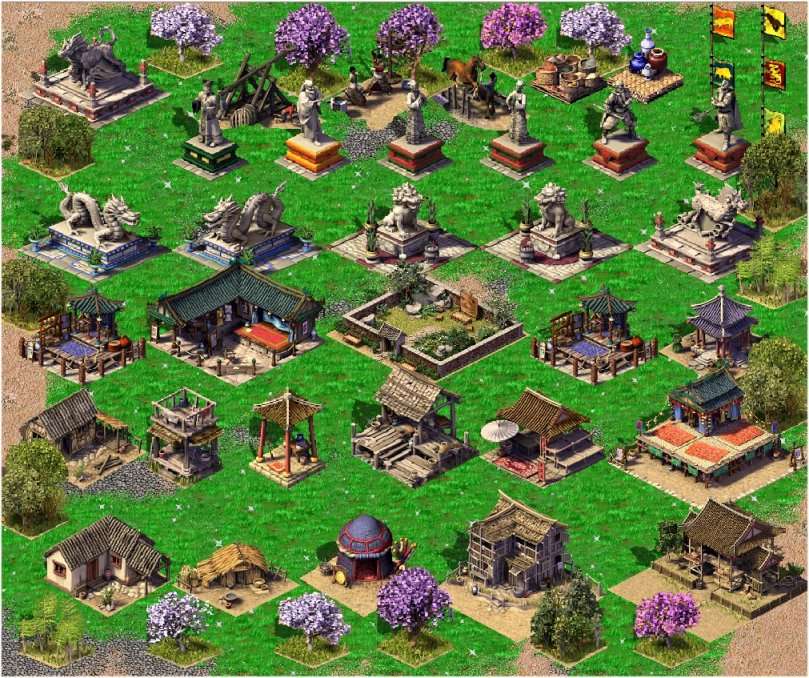
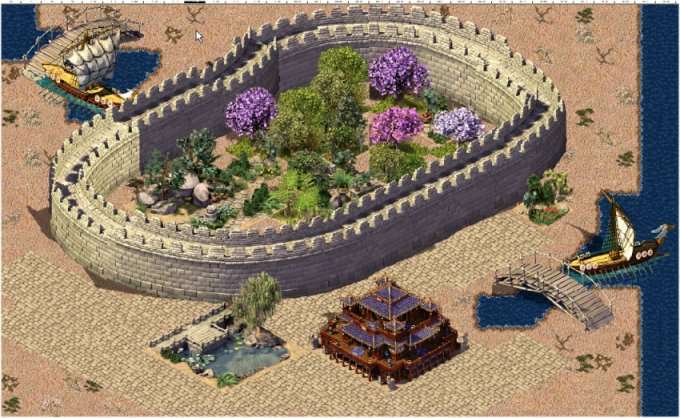
The Great Wall (this was the hardest to clean, I did it pixel by pixel, but if anyone has the skill to get it better...I can send the sources)
Fcst1, interested to create a special terrain from that ground?
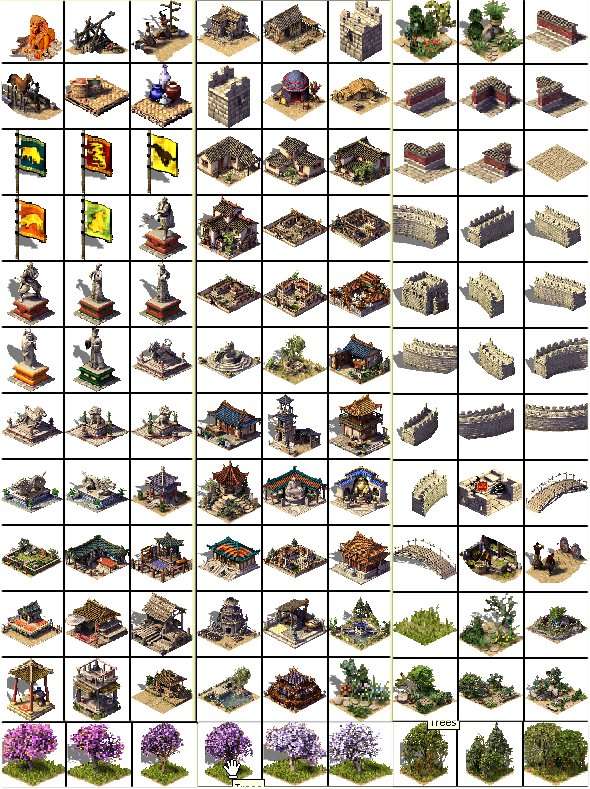
Preview of a few animations (there are 15)
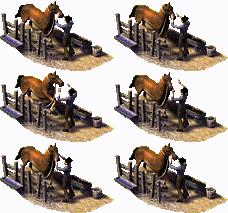  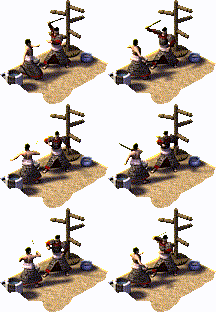
The objects are located in Sand objects
DOWNLOAD
(This post was last modified: 02.09.2009 04:54 by Valery.)
|
|
| 02.09.2009 03:48 |
|
Valery
Posts: 2196
|
Does any know why only the GrayFace patch changes my creatures from "monster" to correct name? I have all 54 types and subtypes correct in my ZEOBJTS but still shows "monster" before applying his patch. Which is the file fixing it?
|
|
| 02.09.2009 09:30 |
|
FCst1

Posts: 1165
|
Oh-oh th...  Today I had exit possibility in the fast Internet and to download all new objects. But has then learnt, that from Rapidshare I cannot load . Can place a file on other site?
Still I have drawn 1 more new object - "a statue of island Easter"


Eye Monster!
|
|
| 02.09.2009 21:43 |
|
Valery
Posts: 2196
|
|
| 03.09.2009 03:47 |
|
Valery
Posts: 2196
|
The chinese mapmaker SongFX already started a map on it:
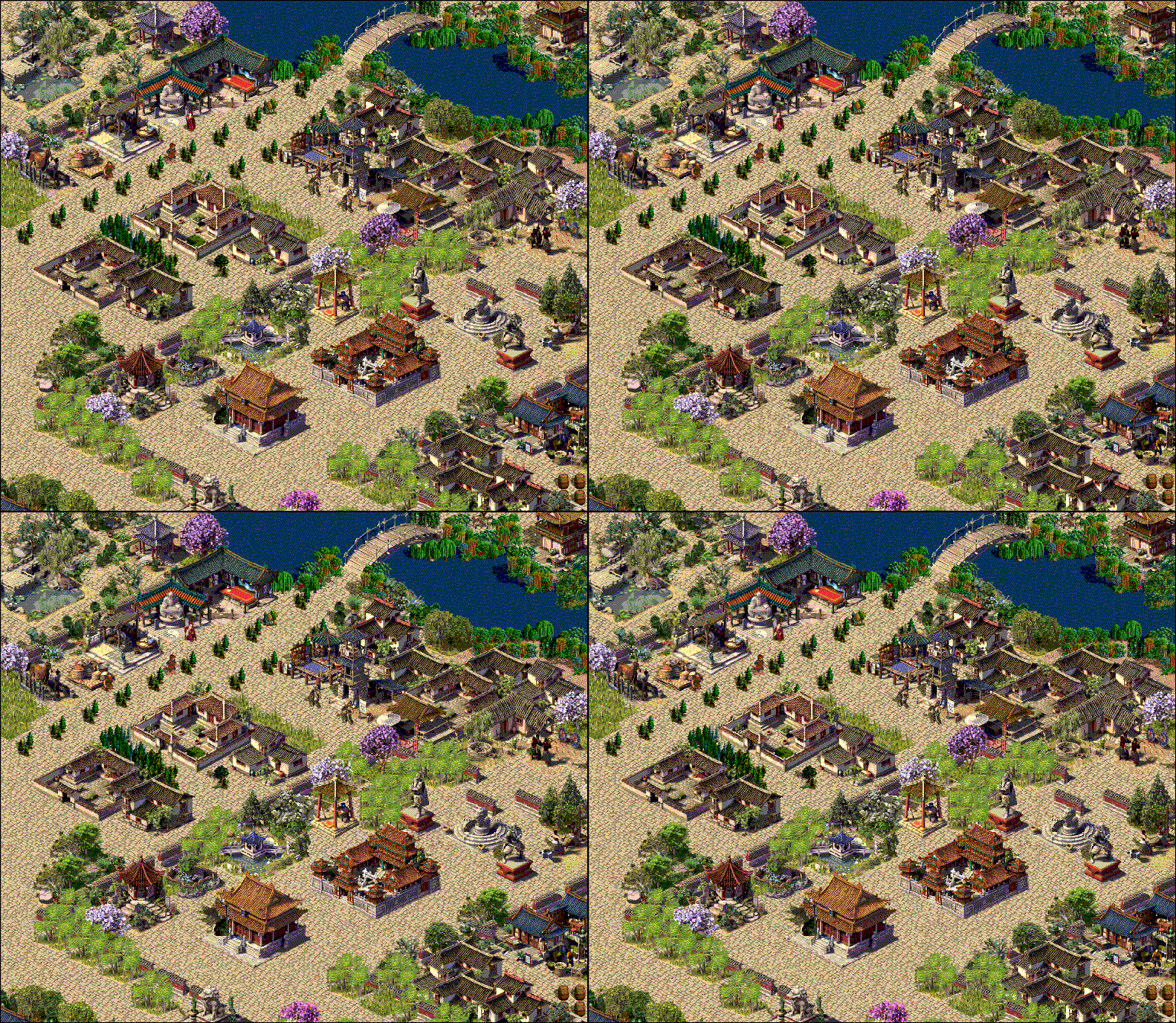
But they are asking Grayface how to fix the "monster" problem. Need editing dll file in his 3.3 patch. It works in my english version but not on chinese.
|
|
| 04.09.2009 08:18 |
|
Valery
Posts: 2196
|
Very nice 
I also worked for a week on new objects from AOK, mostly animations (about 10 animated). I made a 2 days rest, as with all the extractors I got, the Beagle virus attacked my computer and killed all .exe, including Kapersky. Now it is gone.
Poor preview (gif-gif can't handle so many frames)

(This post was last modified: 08.09.2009 14:09 by Valery.)
|
|
| 07.09.2009 12:09 |
|
Valery
Posts: 2196
|
Of course your patch fixes it, but not on chinese WoG version, that was the problem. The codes from ZEOBJTS are correct, your patch is running but they still get "monster" to all creatures when installing new objects. Is any way to open the dll so they can translate it?
Bytebandit said he gets a blackout when using this patch (each time after about 20 minutes of painting). At the same time several chinese mapmakers started making maps and are not reporting any crash or bugs (after 1 week of testing). Myself I draw a map for several days and no problem.
I asked ByteBandit for detailed data about his crash and he told me he was using the obstacle tool when crash. I also experienced this crash when using the obstacle tool with the previous Phantom patch. Maybe the tool does not recognize the new subtypes?
(This post was last modified: 10.09.2009 14:22 by Valery.)
|
|
| 10.09.2009 12:47 |
|
Valery
Posts: 2196
|
Just checked the CPU usage when using the biggest frame objects and it asks only 1 additional MB from regular editor:
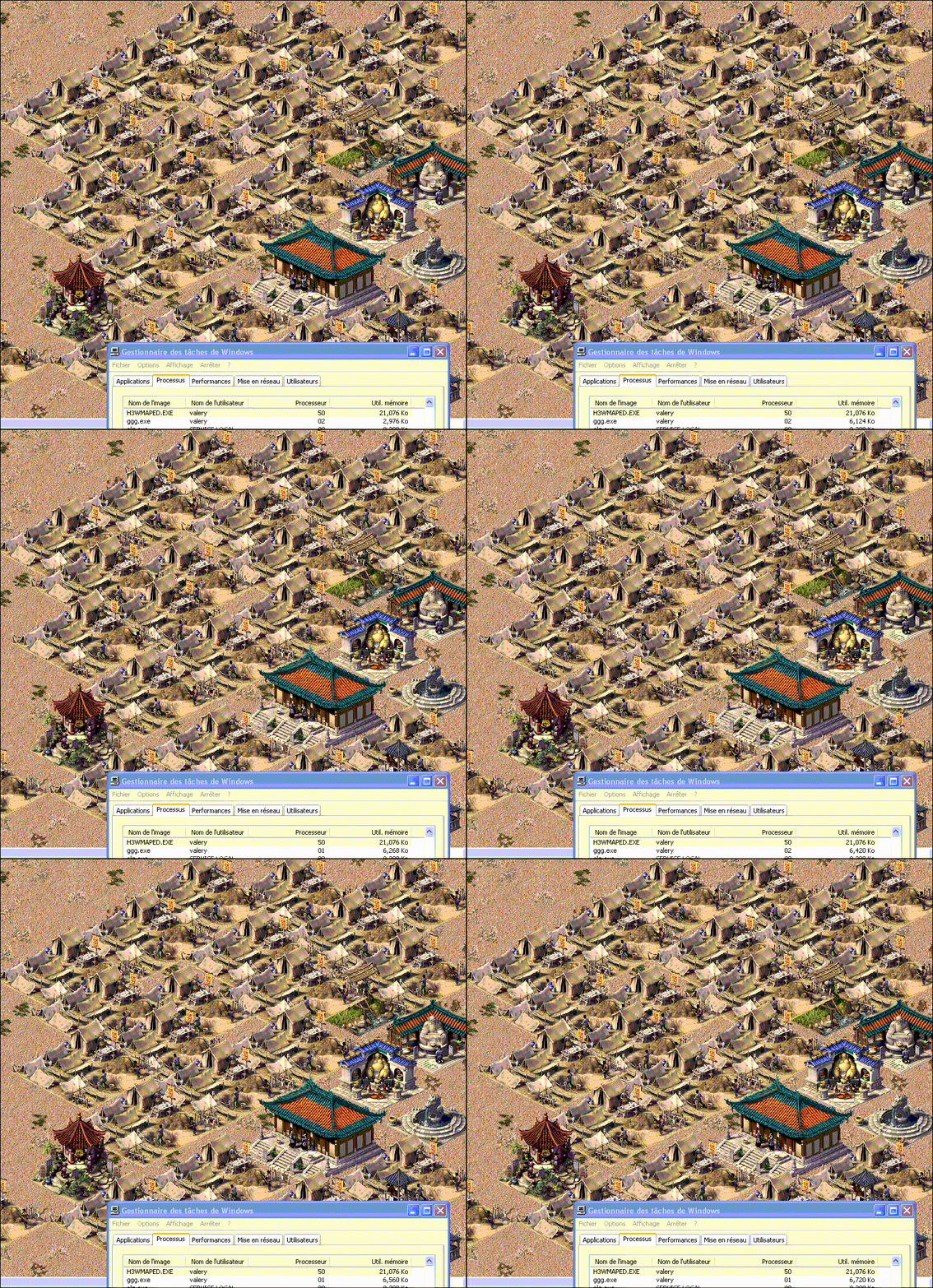
memory should not be a problem then.
|
|
| 12.09.2009 04:16 |
|
sundy1989
Posts: 1
|
the url is die
could you upload once more?
thanks
or send to my e-mail
oceanking7@163.com
thanks a lot
|
|
| 23.01.2014 17:31 |
|



 Search
 Member List
 Help
Help


 )
)